Import
Save any recipe, from anywhere
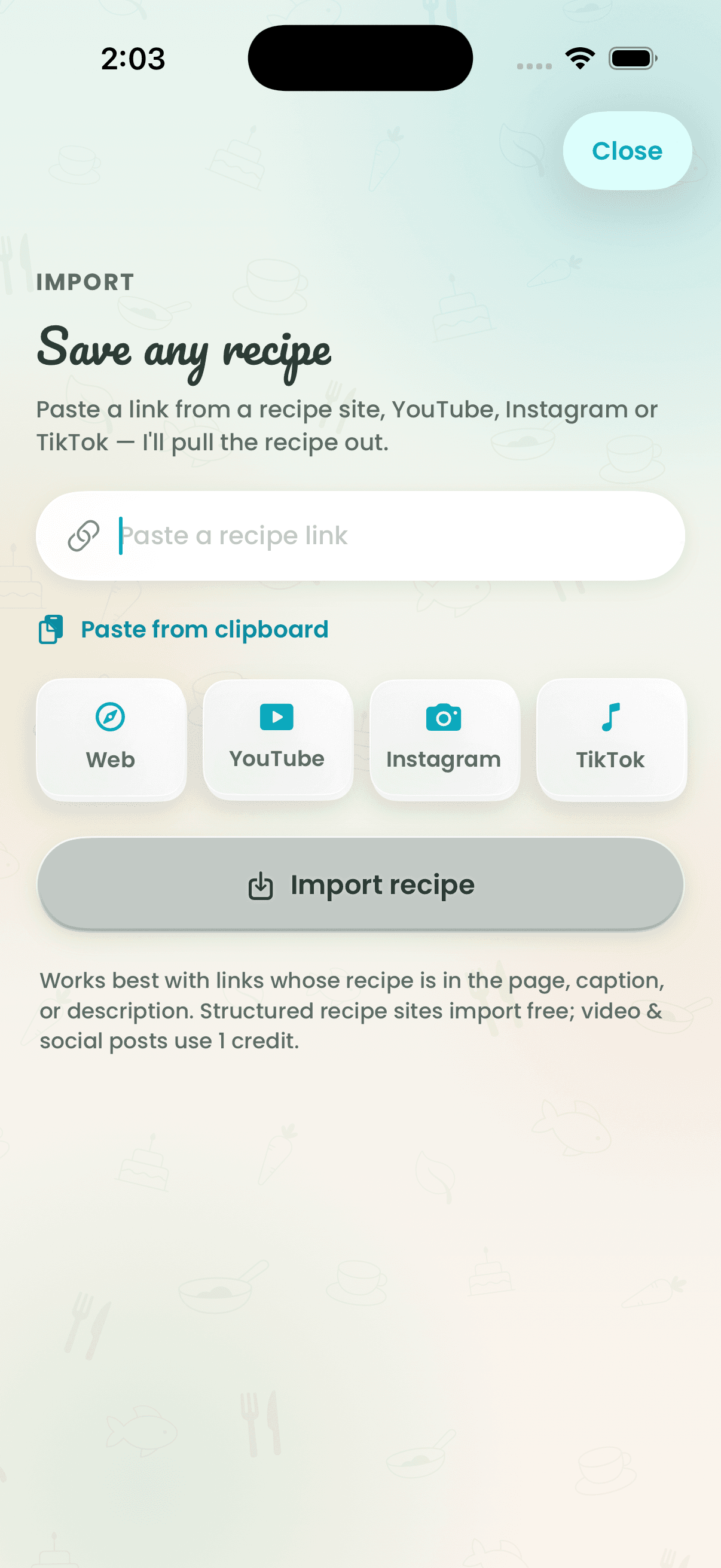
Found something on TikTok, Instagram, YouTube or a food blog? Share the link to Recipe Wizard and it pulls out the ingredients and steps into a clean recipe card, keeping the source video one tap away. No scrolling past ads and life stories.

How it works
- 1
Share a link to Recipe Wizard from any app — or paste it on the web.
- 2
Recipe Wizard reads the ingredients and steps.
- 3
It's saved to your cookbook, ready to cook, scale and share.
Why cooks love it
- Works with the big ones
- TikTok, Instagram, YouTube and recipe blogs.
- Source video kept
- Imported recipes keep their original video, so you can watch the technique.
- Finish it yourself
- If a link can't be read, you finish it in the editor instead of hitting a dead end.
Questions
How do I save a TikTok recipe?
Tap Share on the TikTok, choose Recipe Wizard, and the recipe's ingredients and steps are saved to your cookbook with the video linked.
Does it work with Instagram Reels and YouTube?
Yes. Recipe Wizard imports from Instagram, YouTube, TikTok and most recipe blogs.
Keep exploring
Tonight’s dinner is one tap away.
Free to start on iPhone, Apple Watch and the web.