Plan & shop
Plan the week. Shop once.
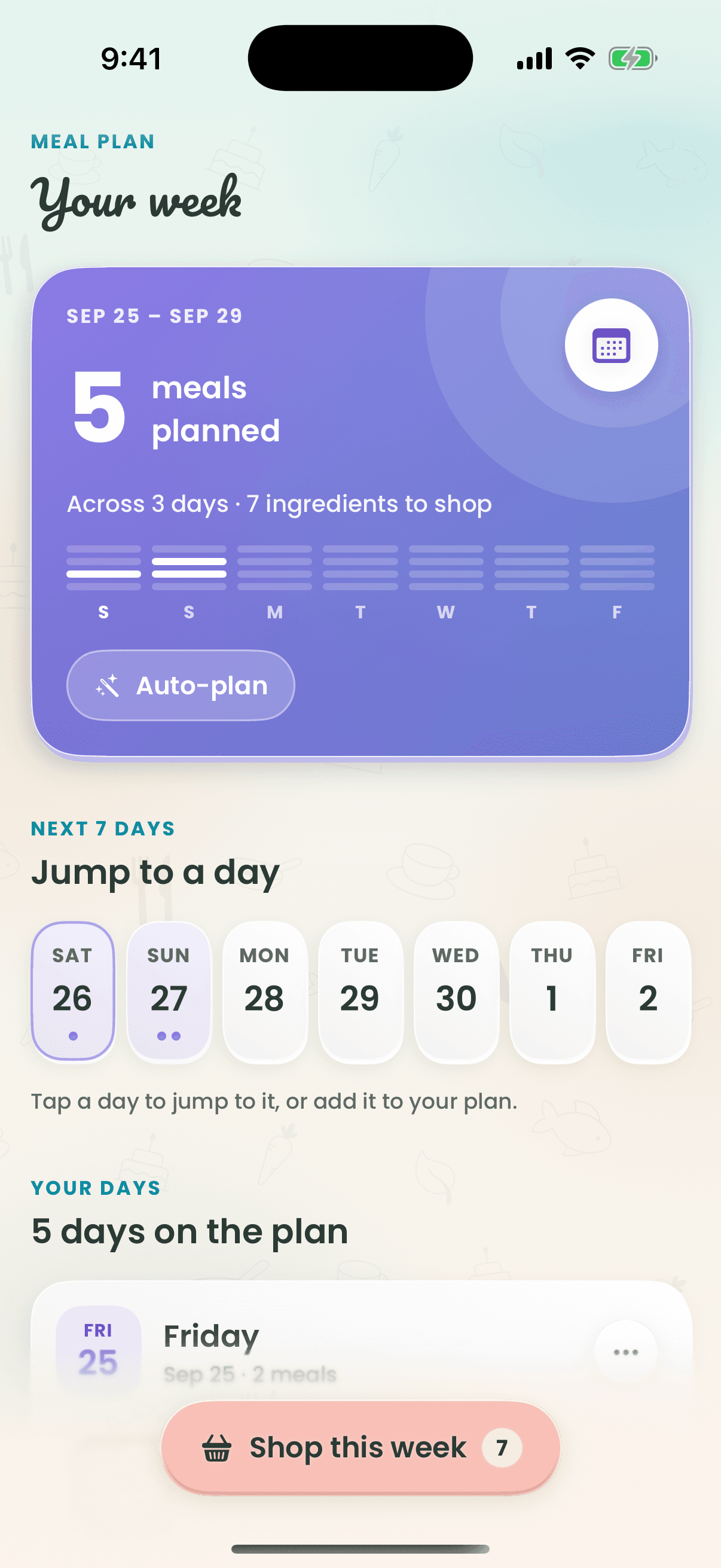
Plan as little or as much as you like — add recipes from your cookbook or let the AI fill the days. Recipe Wizard gathers every ingredient into one grocery list, sorted by aisle, with a big-button shopping mode that keeps your screen awake in the store.

How it works
- 1
Open the planner and pick your days.
- 2
Add meals from your cookbook or generate new ones.
- 3
Send the week's ingredients to your grocery list.
- 4
Shop in aisle order; checked items move to your pantry.
Why cooks love it
- Sorted by aisle
- Produce, dairy, pantry — the list walks the store with you.
- Shopping mode
- Big, one-handed check-offs, and the screen stays awake.
- Swap in a tap
- Touch and hold a planned meal to swap, regenerate or remove it.
Questions
Does Recipe Wizard make a grocery list from my meal plan?
Yes. One tap sends every ingredient in your plan to a grocery list sorted by aisle, merged with anything already on it.
Keep exploring
Tonight’s dinner is one tap away.
Free to start on iPhone, Apple Watch and the web.